

1. Infrastructure preflight
Validate AASA and assetlinks endpoints first. If association files are wrong, app-side checks are noise.
If deep links are part of paid acquisition, lifecycle messages, or QR campaigns, they need a repeatable QA routine. This checklist helps teams validate iOS, Android, and web behavior before traffic goes live.
A passing test is not just "app opened once." You need to prove route accuracy, fallback behavior, and parameter integrity for all major entry conditions.
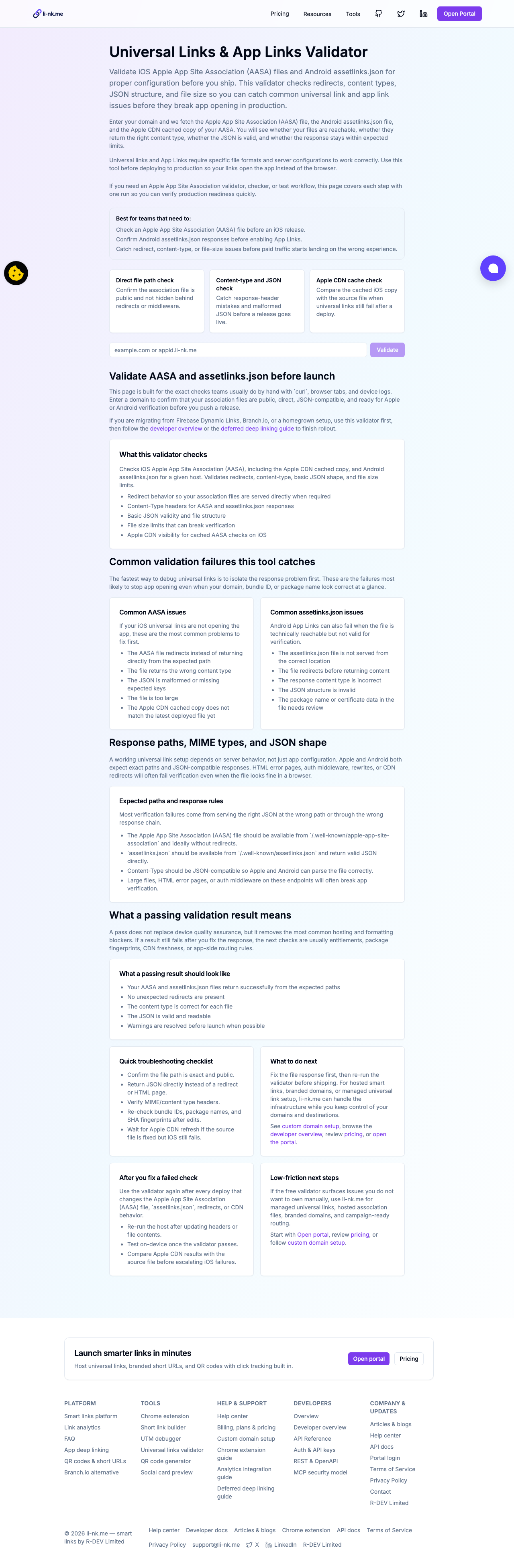
Validate AASA and assetlinks endpoints first. If association files are wrong, app-side checks are noise.
Test critical routes on both iOS and Android devices where the app is already installed.
Uninstall app and re-test to verify store/web fallback flows and deferred route handoff logic.
Confirm UTM/campaign parameters remain present in final destination and analytics payloads.
| Scenario | Expected behavior | Failure signal |
|---|---|---|
| iOS installed app | Universal link opens correct screen in-app | Safari opens and route does not reach app |
| Android installed app | App Link resolves to intended activity/route | Browser fallback used despite installed app |
| App not installed | Store or web fallback loads quickly and correctly | Wrong store, 404 landing page, or stale destination |
| UTM-tagged campaign link | Campaign params preserved end-to-end | Missing or overwritten source/medium/campaign keys |
| QR-based scan | Same routing as tapped link for each platform | Scan path diverges from direct link behavior |
Deep links sit on your conversion path. Treat them with release gates, repeatable test cases, and visible rollback criteria just like any production feature.