Track every smart link click without adding an SDK
li-nk.me records click counts, last activity, redirect details, and debug output for every short link, QR scan, and universal link so teams can QA campaigns before reporting breaks downstream.
What you can see in li-nk.me
Smart link analytics should answer three questions fast: did the click happen, where did it route, and did campaign parameters survive the redirect. LinkMe exposes that without extra tracking infrastructure.
What's included
- Click totals and last-click timestamps on every smart link.
- Redirect log with destination URL, platform, IP, and user agent.
- Debug view (
/slug+) for QA before campaigns go live. - UTM merging to keep campaign parameters intact.
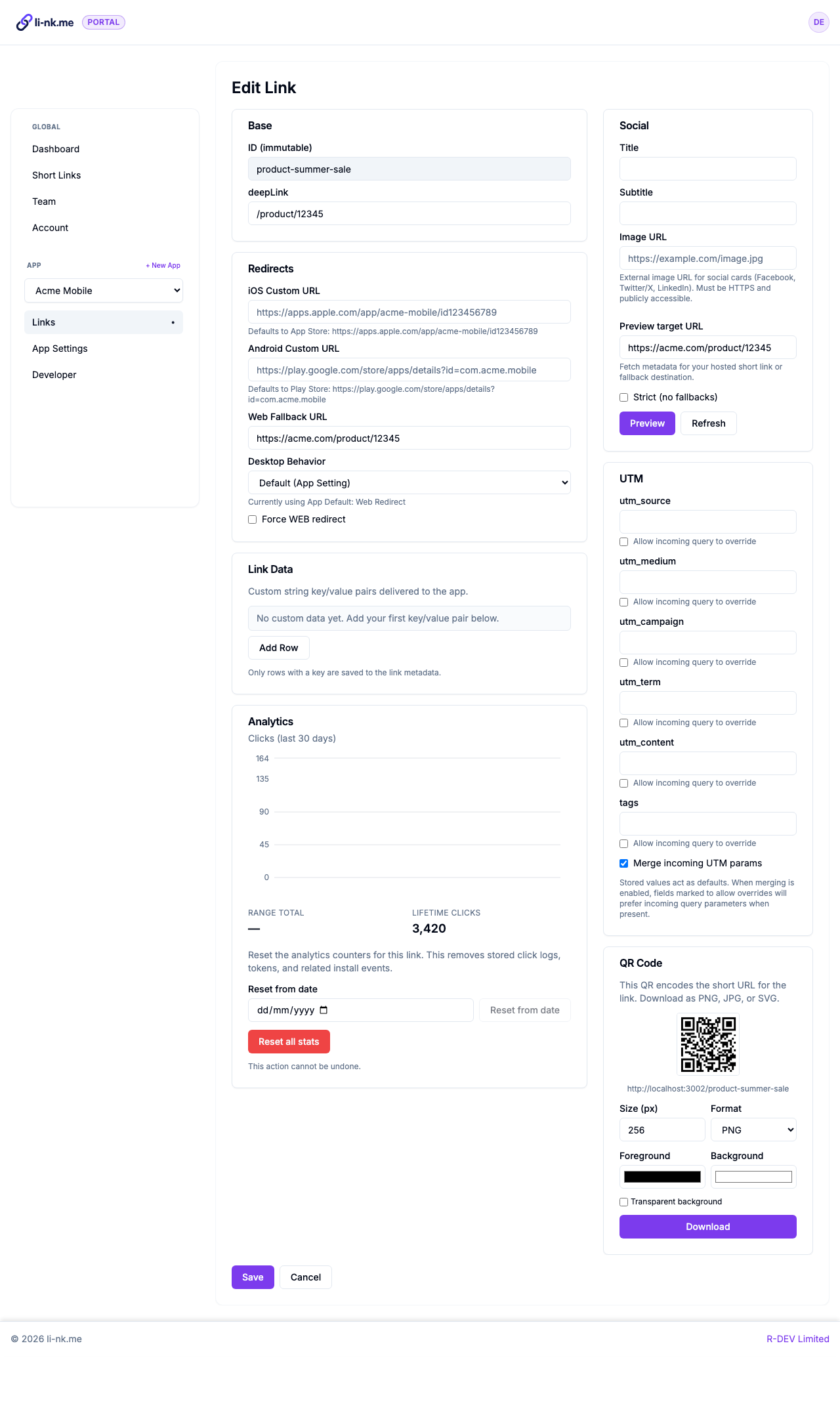
Click totals & last activity
Track total clicks and the most recent activity for every smart link or QR code at a glance.
Redirect audit log
Access a timestamped log with destination URL, detected platform, IP, and user agent for troubleshooting.
Debug view for QA
Append "+" to any link to preview the computed destination, platform routing, and metadata.
UTM passthrough
Merge saved UTMs with incoming query parameters so attribution data survives every redirect.
How we compare to Branch.io, AppsFlyer, and Replug
li-nk.me focuses on managed smart links and universal link hosting with built-in click tracking. If you need a full mobile measurement platform, Branch.io or AppsFlyer might be a better fit. Replug bundles link management with broader marketing tools. Choose the level of complexity your team actually needs.
| Category | li-nk.me | Branch.io | AppsFlyer (OneLink) | Replug.io |
|---|---|---|---|---|
| Product focus | Managed universal links, short links, QR, and click tracking | Mobile measurement & attribution SDK | Mobile measurement partner with deep attribution | Marketing toolkit with bio links, retargeting, and short links |
| Setup effort | Minutes. Create links in the portal - no SDK required. | Requires SDK integration and developer setup. | Requires SDK, paid plan, and campaign configuration. | Low-code marketing setup with optional extras. |
| Universal link hosting | Included. We host AASA & assetlinks with zero redirects. | Supported, but you configure domains and hosting. | Supported; configuration via OneLink. | Not focused on universal link hosting. |
| Link tracking | Click counts, last activity, and redirect log included. | Advanced analytics once the SDK is instrumented. | Attribution dashboards driven by SDK events. | Marketing analytics across channels. |
| Who it's for | Teams that want managed linking without extra infrastructure. | Engineering & growth teams needing deep attribution. | Large teams aligning installs with ad spend. | Marketers wanting bio links, retargeting, and short links. |
Where link tracking helps most
Campaign QA
Verify that every short link and universal link points to the right destination before launch.
Support & incident response
Use the redirect log to validate customer reports and spot misconfigured destinations quickly.
Compliance & audits
Keep an audit trail of who changed a link and when it was accessed, without exporting raw logs.
Get started in minutes
- Add your iOS bundle ID and Android package name in the portal.
- Point a custom domain or use a li-nk.me subdomain for your smart links.
- Create short links with deep link paths, UTMs, and fallbacks.
- Share the link or QR code with your audience.
- Review click counts and the redirect log to confirm everything works.
Helpful resources
- Setup guide - configure your first app, domain, and link.
- Smart link overview - see how routing, fallbacks, and QR codes work together.
- Universal Links Validator - double-check AASA and assetlinks before going live.
Stay confident in every campaign
li-nk.me keeps smart links, universal link hosting, QR codes, and click tracking under one roof so your team can focus on messaging - not maintenance.
Link tracking FAQ
What link analytics does li-nk.me provide?
Every redirect updates click totals, last-click timestamps, and a log row containing the destination, user agent, IP, and detected platform. You can review these details inside the portal or via the debug view.
Do I need an SDK or MMP to track performance?
No SDK is required to see click counts and logs - li-nk.me tracks activity at the redirect layer. If you need install or in-app attribution, you can pair li-nk.me links with your existing analytics or MMP stack.
How do I test a link before launching it?
Append a "+" to any li-nk.me smart link (for example, /promo+) to open the debug view. It shows the computed destination and detected platform so you can QA routing before sharing the URL.